Uses
I often get questions on my videos about my desktop and the software I use. Most of the time, it’s something like: “How do I make my desktop look cool like yours?” This page lists everything I use on a daily basis.
My goal with the software and operating system I use is to be as efficient as possible— to use my computer almost “at the speed of thought.” Minimal software helps me achieve that, although it may not be for everyone.
Some links here may be affiliate links to services and products I use. I only recommend things I personally use and trust.
If you're looking for something that’s not listed on this page, feel free to contact me.
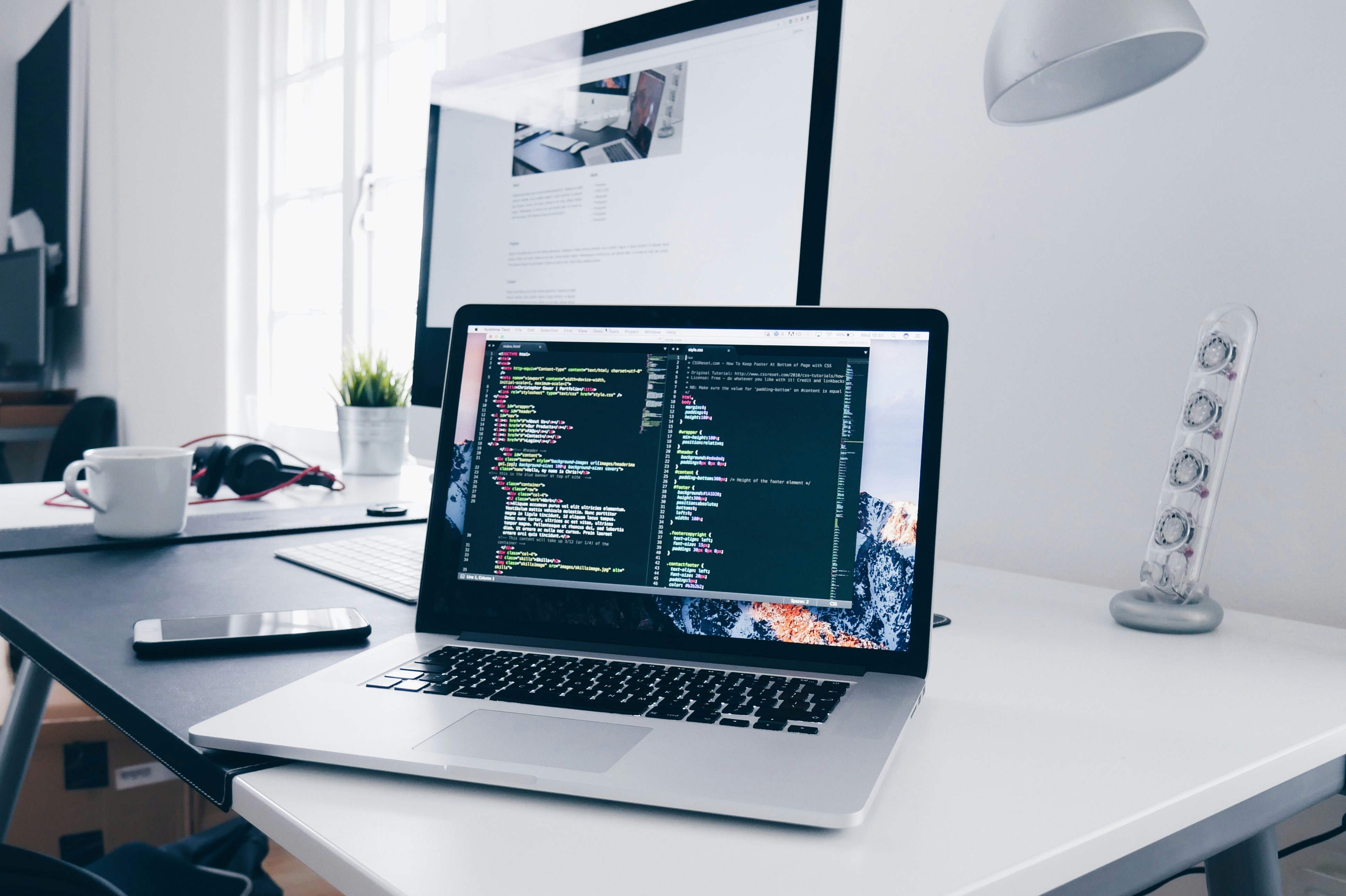
My laptop setup — simple, but the most efficient workflow I’ve found.
Hardware
- Dell laptop (13th Gen Intel Core i5)
- Wireless keyboard
- Wireless mouse
Software
- Linux Mint (Cinnamon)
- Hyprland
- Waybar
- Kitty + Zsh
- Brave + uBlock Origin (optional) + Bitwarden
Services
- Proton Mail
- Bitwarden
- Vultr
- Namecheap
Applications
- Neovim
- VSCodium
- Git
- GitHub
- lf (terminal file manager)
- Obsidian
- Thunderbird
- Tofi
Theme
- Catppuccin color scheme
- Maple Mono font + Nerd Font icons
This Website
- Built with Neocities (a free website hosting service)